What is Simplicity AI?
Simplicity AI is an intelligent, AI-powered PDF form-filling platform designed to eliminate the repetitive, time-consuming process of manually completing forms. Whether you’re an individual, a small business, or a large enterprise, Simplicity AI transforms any PDF — fillable or not — into a smart, auto-completable document in seconds.How It Works
The platform operates in three straightforward steps: upload your PDF, let the AI fill it (or complete it yourself through a guided interface), then sign, export, and share the finished document. A standout capability is its handling of both static and scanned PDFs — the AI automatically detects text fields, checkboxes, and dropdowns, converting them into interactive forms without any manual setup.How to Use Simplicity
Sign up and log in
Go to simplicity.ai and create an account using your email address or Google account. Once registered, log in to get started.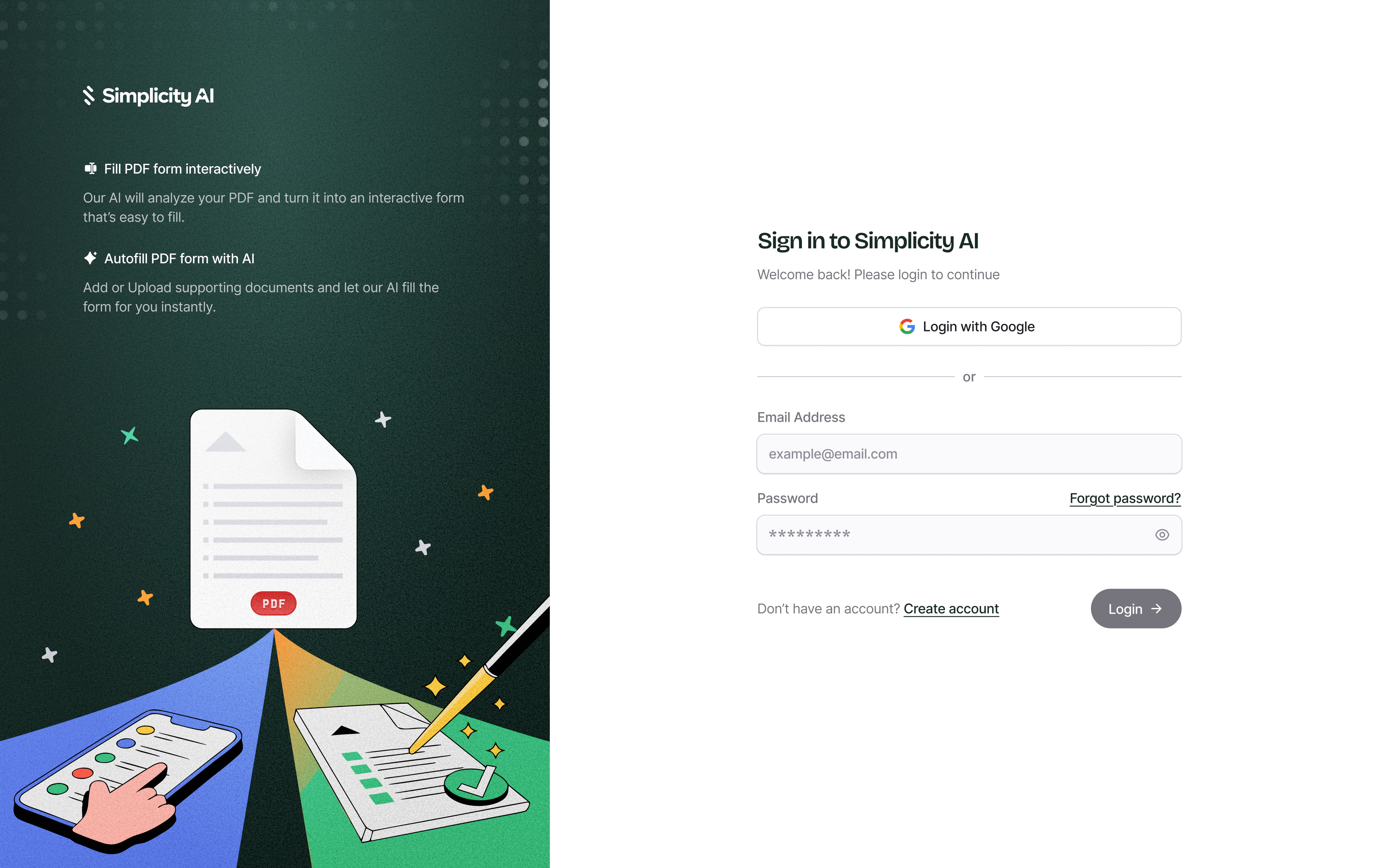
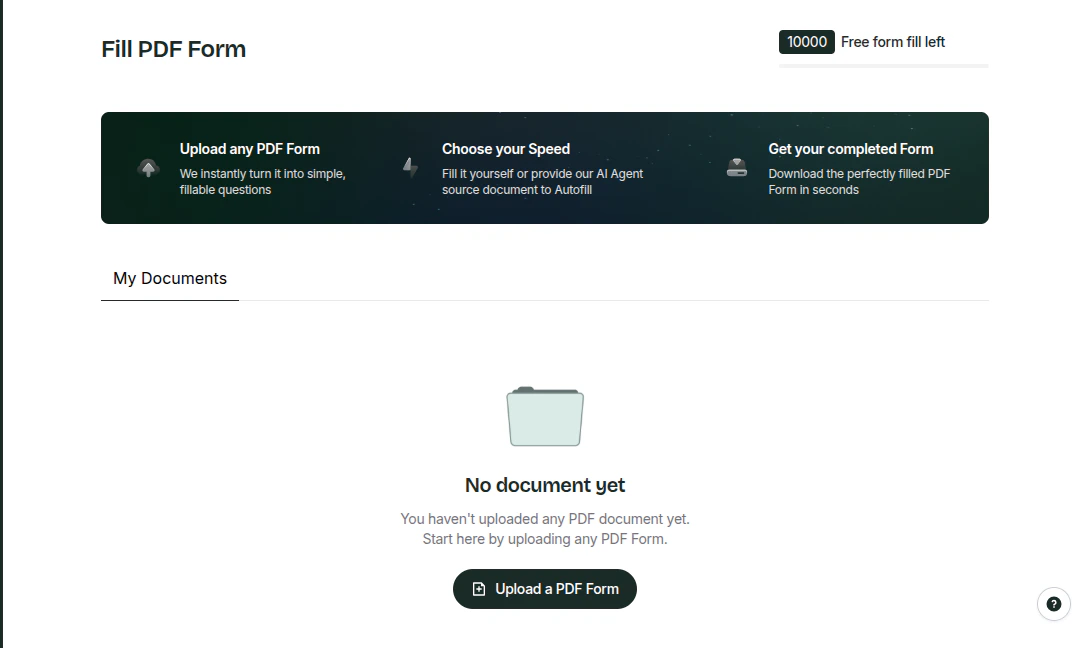
Choose how to fill your form
Select the filling method that works best for you — either Make the form interactive (converting form fields into editable, interactive fields) or Autofill with our AI agent (where you can upload source documents as a knowledge base or enter form field values as text).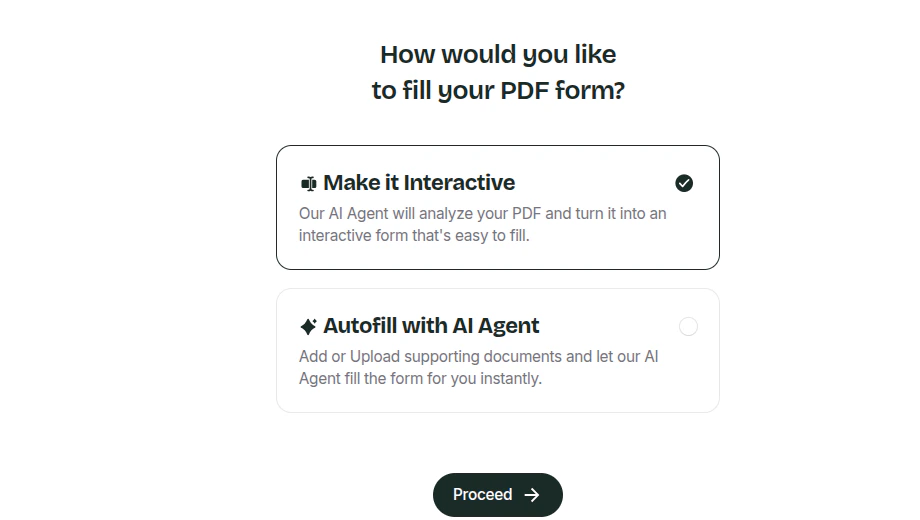
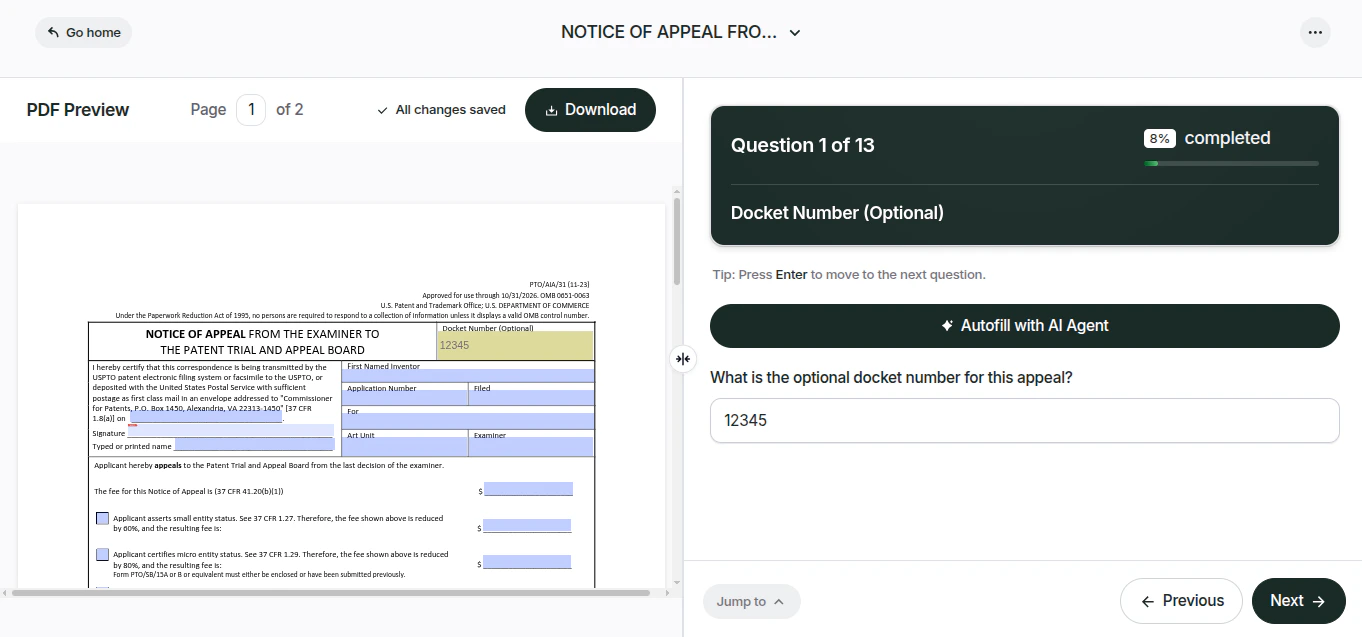
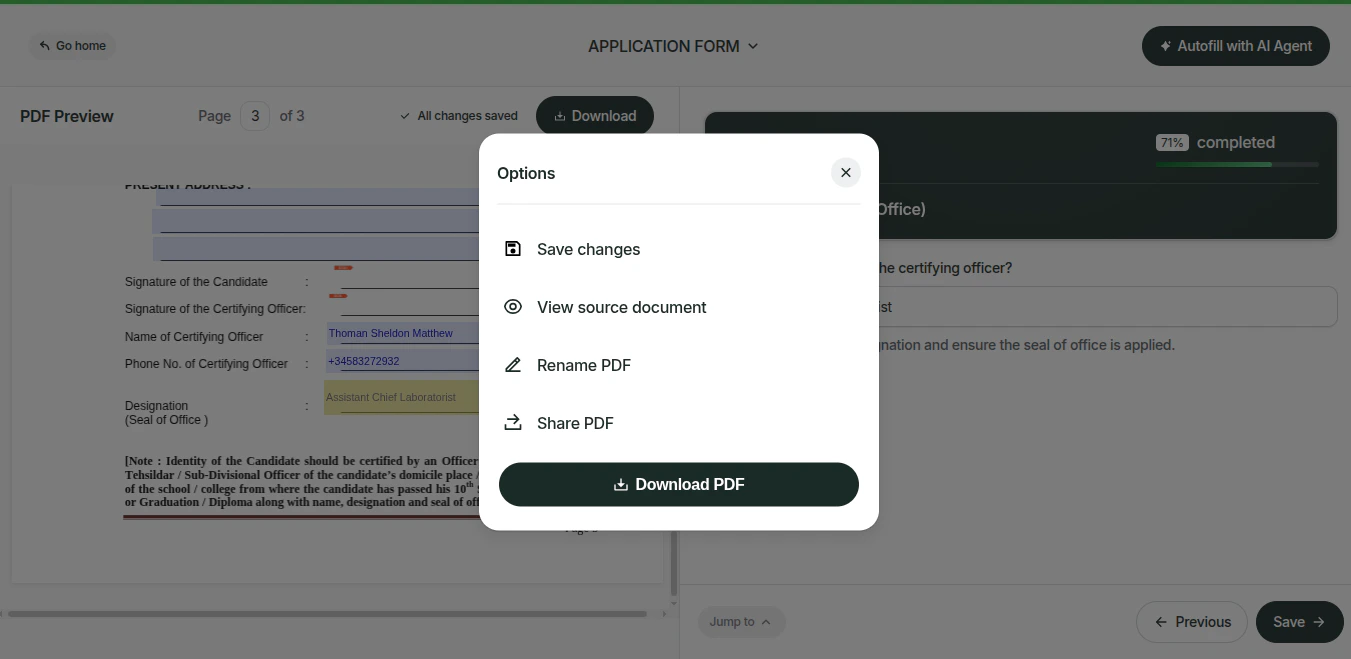
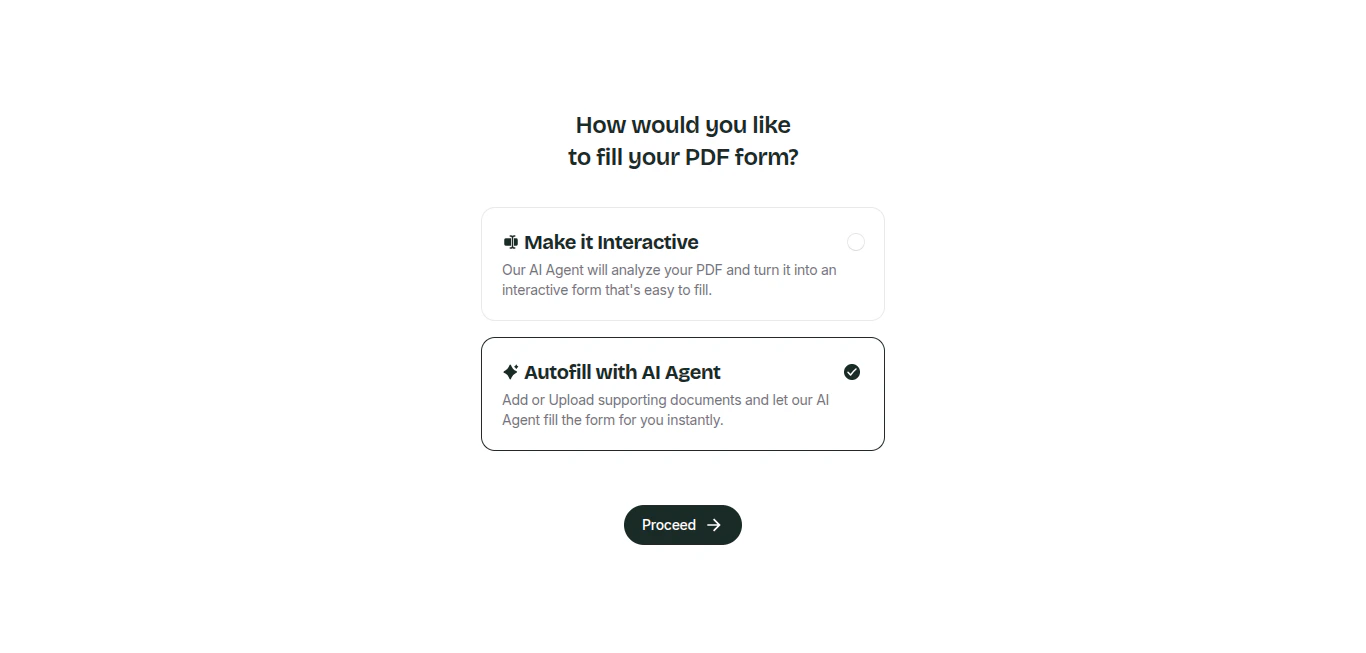
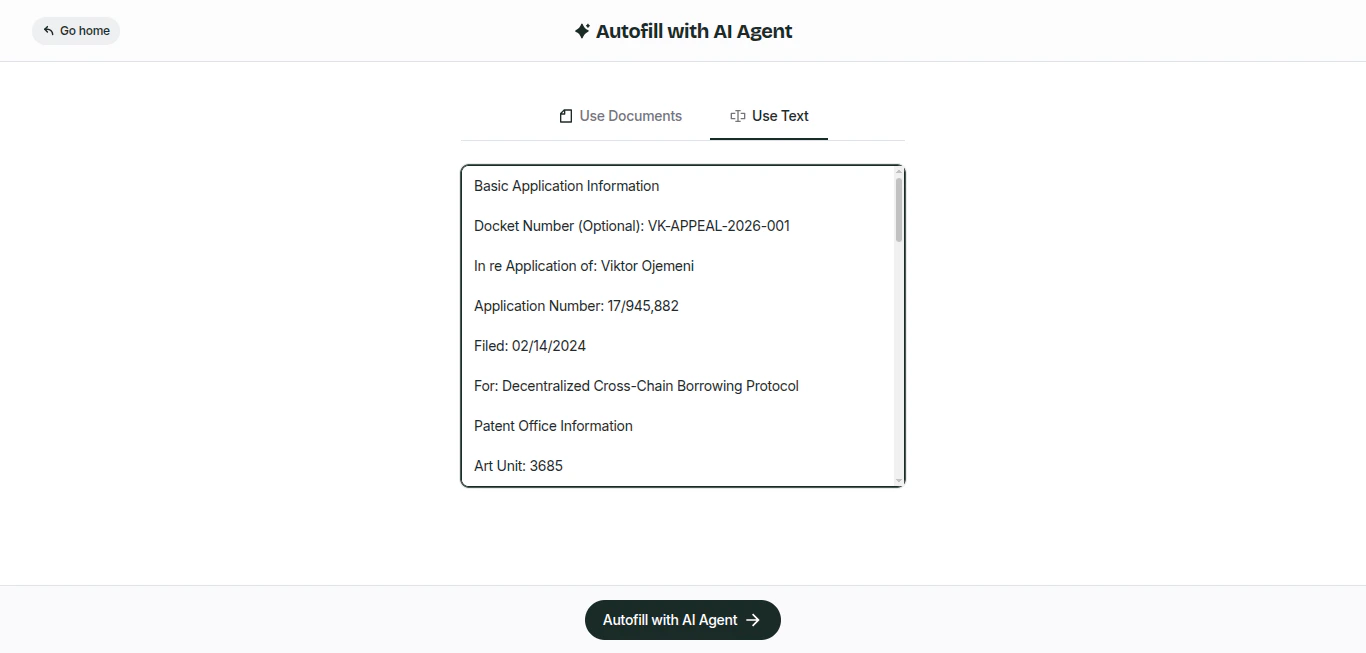
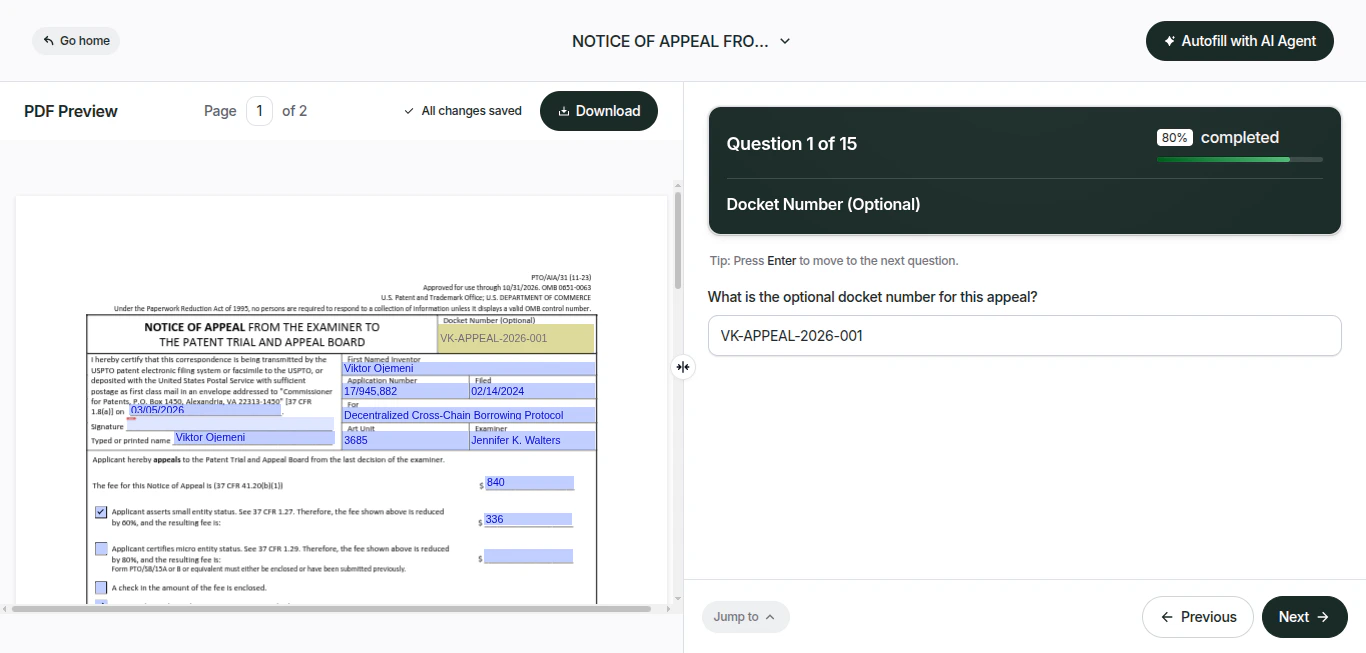
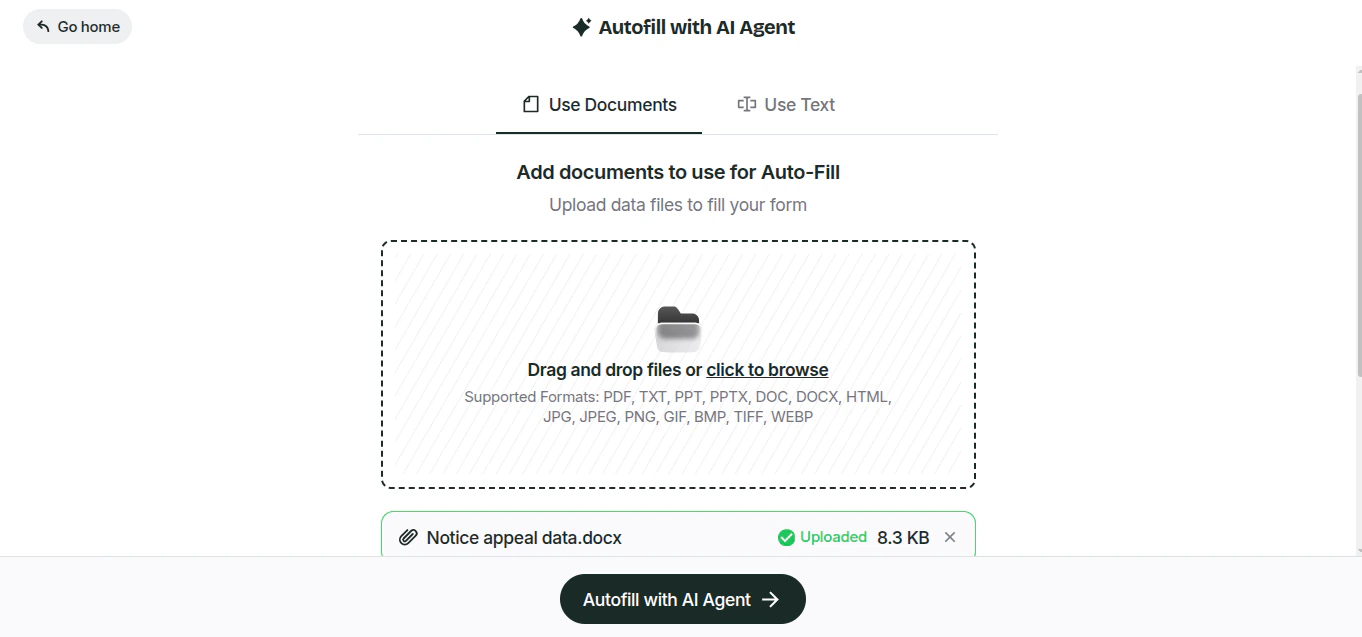
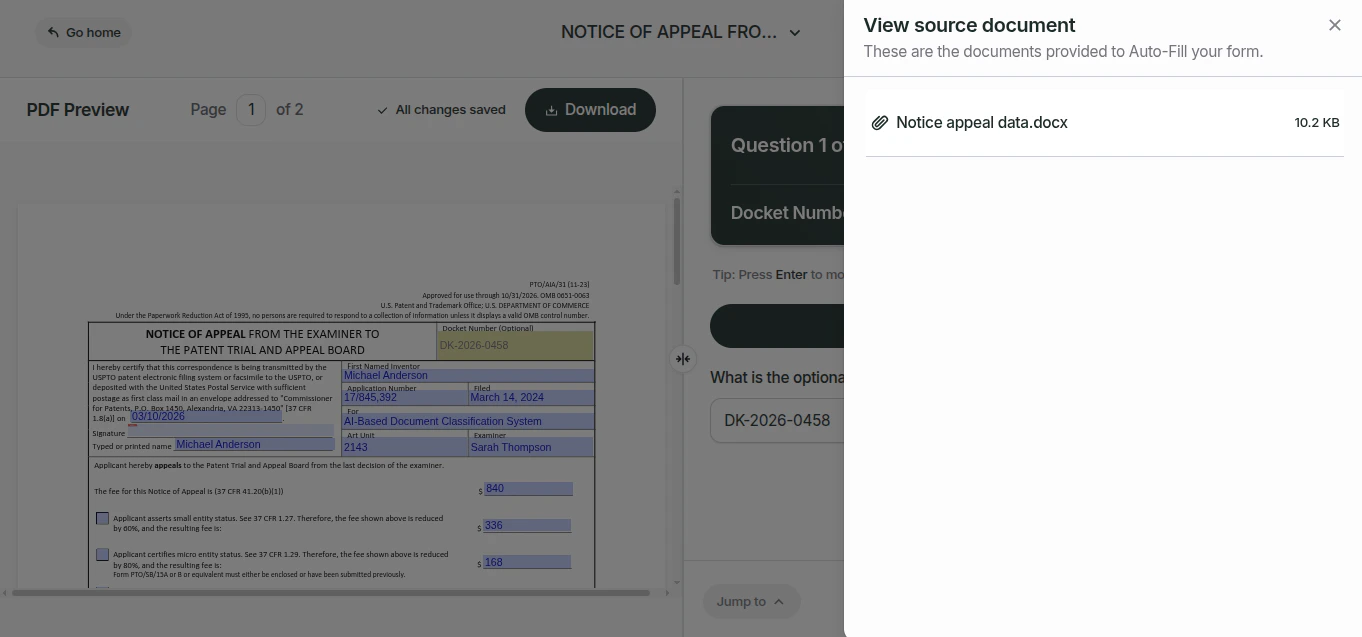
- (a) Interactive form filling
interactive fill- (b) Autofill with an AI agent
- Your form fields will be prefilled with the information from your uploaded
source documents
Key Features
Document Management
Upload, retrieve, update, and delete documents via simple API calls.
AI Form Autofill
Automatically populate forms using AI-extracted data from your documents.
Quick Start
Generate and manage API keys, set permissions, and track form-filling
processes — all from one dashboard.
Task Monitoring
Track the status of asynchronous operations with the Tasks API.